Open Today Sales: 9 AM-7 PM



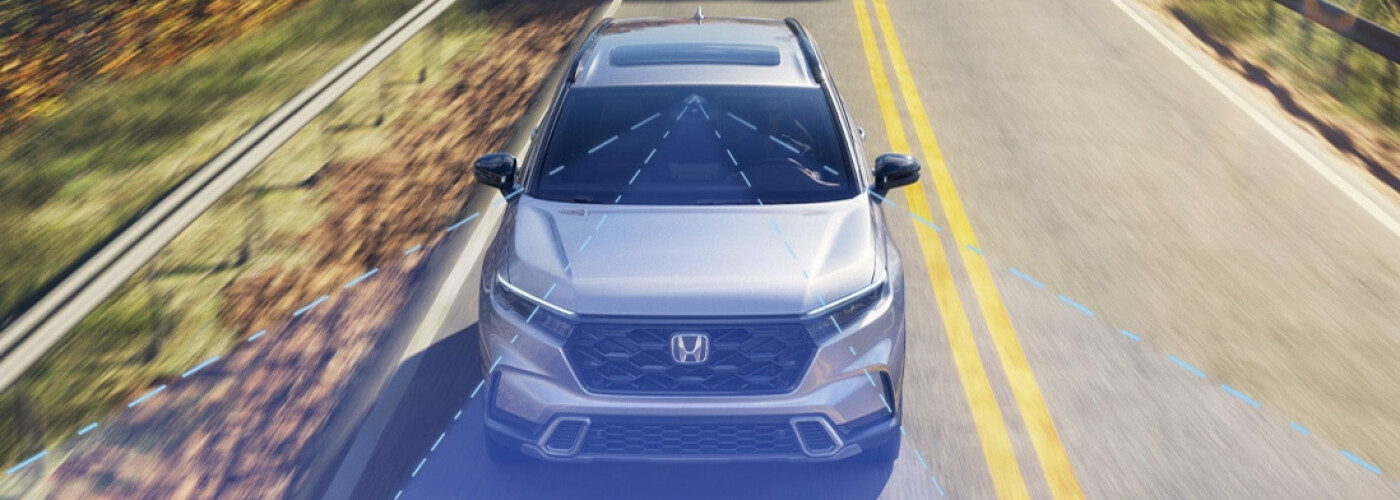
Honda has been phasing out Honda LaneWatch™ in favor of Blind Spot Monitoring. While you probably won’t see this safety feature on a brand-new Honda, you could when shopping for used models near St. Marys and Philipsburg. You could find Honda LaneWatch™ in previous models, such as the 2022 Honda HR-V and 2021 Honda Clarity Fuel Cell.
So how does Honda LaneWatch™ work? With the help of a camera, this system allows you to see the passenger side of your car when you’re on the road. Find out more below with Spitzer Honda DuBois!
Honda LaneWatch™ works like Blind Spot Monitoring. It uses a camera that’s installed beneath the right passenger-ride mirror. This camera transfers images to the display screen in the cockpit’s center, so you can easily see your surroundings and change lanes safely. Remember that Honda LaneWatch™ only helps you monitor your surroundings– it’s not a substitute!
Now that you know how Honda LaneWatch™ works, how can you use it on your Clearfield drives? When you turn on your right turn signal, Honda LaneWatch™ activates. This then turns the camera on and starts the video feed of your blind spot, which you can view on your display screen. Before you turn or merge into another lane, you can check the screen to make sure the coast is clear.
You can also use Honda LaneWatch™ by pushing the button on the end of the turn signal control. This won’t turn on your turn signal, but will activate Honda LaneWatch™. To turn it off, press the button again.
To change the Honda LaneWatch™ settings, do the following steps:
Interested in learning more about the different technologies available in Honda vehicles? Spitzer Honda DuBois has all of the information! We can tell you about the HondaLink app or Apple CarPlay® and Android Auto™ connectivity. If you’d like to get your hands on a used Honda with Honda LaneWatch™, we can help you in DuBois!
